Introduction
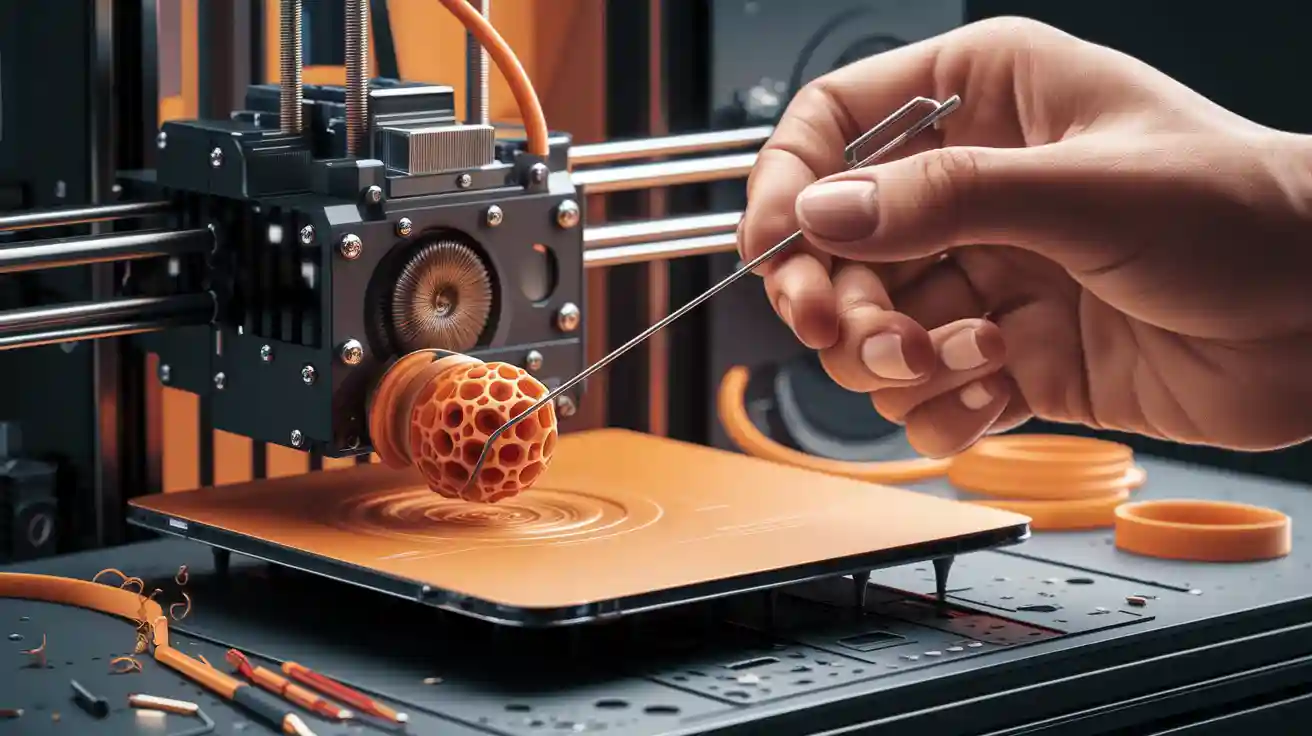
The 3D printer nozzle is a vital part that significantly affects print quality. You may need to change the nozzle for several reasons, including wear, clogging, or the desire to use different printing materials that require specialized nozzles. This guide aims to provide you with the information and steps needed to change your 3D printer nozzle safely and effectively.
Why Do You Need to Change the Printer Nozzle?
There are several reasons why you might need to change the printer nozzle:

- Wear: Over time and with the use of abrasive materials, the nozzle may wear out, affecting printing accuracy.
- Clogging: The nozzle may become clogged due to the accumulation of material residue, hindering the printing process.
- Changing Materials: Some materials require special nozzles. For example, materials containing carbon fiber require hardened steel nozzles.
- Changing Print Accuracy: Using a nozzle with a different diameter can affect printing speed and accuracy.
Types of 3D Printer Nozzles
3D printer nozzles are available in different materials and diameters, and each type has its own uses:
Nozzle Materials
- Brass: The most common, ideal for non-abrasive materials such as PLA and ABS. It features excellent thermal conductivity.
- Hardened Steel: Necessary for abrasive materials such as PLA-CF, PETG-CF, and PA-CF. It resists wear better than brass.
- Stainless Steel: Suitable for use with medical or food-grade materials because it is non-reactive.
- Chromium Zirconium Copper + Hardened Steel: Combines the high thermal conductivity of copper and the wear resistance of hardened steel.
Nozzle Diameters
- 0.2 mm: Very high accuracy, but slow and increases the likelihood of clogging.
- 0.4 mm: The most commonly used, providing a good balance between speed and accuracy.
- 0.6 mm: Higher printing speed, but slightly less accuracy. Suitable for printing large parts.
- 0.8 mm and 1.0 mm: Very fast printing, used for printing prototypes or parts that do not require high accuracy.
Ensuring Compatibility
Before changing the nozzle, make sure it is compatible with your printer. Check the user manual or the manufacturer's website to find out which types of nozzles are supported. For example, some nozzles may be specifically designed for certain printers such as Creality K1 or K2 Plus.

Steps to Change a 3D Printer Nozzle
Follow these steps to change the printer nozzle safely:
- Safety First: Disconnect the printer from the power source.
- Heating the Hot End: Heat the hot end to a temperature suitable for the material being used (for example, 200°C for PLA). This makes it easier to loosen the nozzle.
- Removing the Old Nozzle: Using a suitable wrench, hold the hot end firmly. Then, using another wrench, carefully loosen the old nozzle. Be careful not to burn yourself.
- Cleaning the Hot End: After removing the old nozzle, clean the hot end of any plastic residue using a wire brush or a clean cloth.
- Installing the New Nozzle: Install the new nozzle by hand first, then use the wrench to tighten it securely. Do not overtighten to avoid damaging the threads.
- Checking for Leaks: After installing the new nozzle, reheat the hot end and check for any plastic leaks around the nozzle. If there is a leak, tighten the nozzle further.
- Recalibration: After changing the nozzle, you may need to recalibrate the printer, including bed leveling and extrusion settings.
Calibration After Nozzle Change
Calibration is essential after changing the nozzle to ensure print quality. Calibration includes:

- Bed Leveling: Make sure the bed is perfectly level to ensure the first layer adheres properly.
- Extrusion Calibration: Adjust the extrusion rate to ensure the material flows properly.
- Test Print: Print a calibration cube to check the accuracy of dimensions and print quality.
Troubleshooting
You may encounter some problems after changing the nozzle. Here are some potential solutions:
- Leaks: If there is a plastic leak around the nozzle, tighten it further. Make sure the nozzle and hot end are clean before installation.
- Clogging: If the nozzle is clogged, try cleaning it with a nozzle cleaning needle or by heating the nozzle and pushing the material through it.
- Poor Print Quality: If the print quality is poor, check the extrusion settings, bed leveling, and printing temperature.
Nozzle Maintenance
To extend the life of the nozzle and maintain print quality, follow these tips:
- Clean the Nozzle Regularly: Use a nozzle cleaning needle to remove any plastic residue.
- Store Filament Properly: Store the filament in a dry and airtight place to prevent moisture absorption.
- Use High-Quality Materials: Avoid using low-quality materials that may cause clogging or wear.
Additional Tips
- Use the Right Tools: Use high-quality wrenches to avoid damaging the nozzle or hot end.
- Do Not Overtighten: Overtightening can damage the threads.
- Be Careful When Handling Hot Parts: Use protective gloves to avoid burns.
- Update the Driver: Make sure the printer driver is up to date to ensure compatibility with the new nozzle.
Recommended Materials and Temperatures
The following table shows the recommended temperature ranges for some common printing materials:
| Material | Nozzle Temperature (°C) | Bed Temperature (°C) |
|---|---|---|
| PLA | 195-220 | 50-60 |
| ABS | 220-250 | 80-110 |
| PETG | 230-250 | 70-90 |
| Nylon | 220-260 | 80-100 (with glue) |
| PP | 225-245 | 80-100 (with tape) |
Conclusion
Changing a 3D printer nozzle is a relatively simple process that can significantly improve print quality. By following the steps outlined in this guide, you can change the nozzle safely and effectively. Always remember to ensure compatibility, calibrate after the change, and maintain the nozzle regularly. If you need additional help, you can contact us at Printie 3D for a consultation.
If you are interested in learning more about our services, you can explore the 3D printing services we offer.